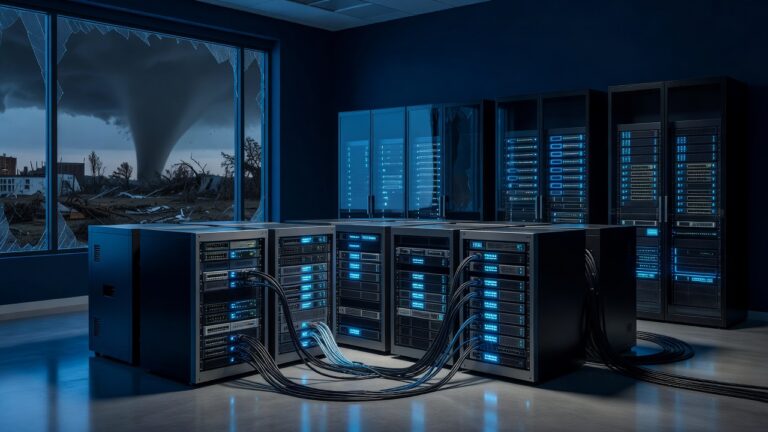
The office file server has long been the silent backbone of the modern retail and service business. For decades, it served as the central repository for everything from employee schedules and inventory spreadsheets to vendor contracts and customer records. However, as Hannibal shops evolve to meet the demands of a digital-first economy, the traditional file server is increasingly becoming a bottleneck rather than an asset. It is time to consider retiring this legacy infrastructure in favor of more agile, cloud-based solutions that align with the operational realities of today’s small to mid-sized businesses.
The Hidden Costs of Legacy Infrastructure
While the initial purchase price of a file server may have been reasonable, the total cost of ownership often surprises business owners when they look at the full picture. Maintaining a physical server requires dedicated hardware, regular software updates, and often, the attention of an IT specialist or a managed service provider. These costs accumulate quietly over time, eating into margins that could otherwise be reinvested in customer experience or product development.
- Hardware Refresh Cycles: Servers typically have a lifespan of five to seven years. Replacing them involves significant capital expenditure, downtime, and data migration risks.
- Energy and Cooling: Physical servers consume power and generate heat, requiring additional cooling solutions that add to utility bills.
- IT Support Burden: Troubleshooting connectivity issues, managing user permissions, and handling backups require ongoing technical attention that diverts focus from core business activities.
Scalability and Accessibility Challenges
One of the most significant drawbacks of the traditional file server is its limited scalability and accessibility. As a Hannibal shop grows, the number of users accessing shared documents increases, leading to slower performance and potential conflicts when multiple employees edit the same file. Furthermore, the file server is typically tethered to the local network, making it difficult for remote employees, part-time staff, or visiting vendors to access critical information seamlessly.
- Limited Concurrent Users: File servers often struggle when dozens of users attempt to access large files simultaneously, such as during end-of-month reporting or inventory audits.
- Remote Access Friction: Accessing files from home or on the go often requires setting up a Virtual Private Network (VPN), which can be complex and prone to connectivity issues.
- Version Control Confusion: Without robust versioning capabilities, employees may work on outdated copies of documents, leading to errors and duplicated effort.
Security and Disaster Recovery Concerns
The perception that local servers are more secure than cloud solutions is a common misconception. In reality, physical servers are vulnerable to physical threats such as fire, water damage, and theft. Additionally, if the server fails, data recovery can be a time-consuming and expensive process. Cloud-based solutions, on the other hand, offer redundant storage across multiple geographic locations, ensuring that data remains accessible even in the event of a local disaster.
- Single Point of Failure: A hardware failure can render the entire file system inaccessible until the issue is resolved.
- Backup Complexity: Implementing and verifying regular backups on a local server requires discipline and technical expertise that many small businesses lack.
- Cybersecurity Updates: Keeping the server’s operating system and security patches up to date is critical but often neglected, leaving the system vulnerable to exploits.
The Cloud Alternative: A Strategic Shift
Retiring the office file server does not mean abandoning structured data management; it means transitioning to a more flexible and efficient model. Cloud-based collaboration platforms offer real-time editing, automatic versioning, and granular permission controls that enhance productivity and reduce errors. These tools are designed to scale with the business, allowing Hannibal shops to add or remove users as needed without significant infrastructure changes.
- Real-Time Collaboration: Multiple employees can work on the same document simultaneously, with changes reflected instantly for all users.
- Automated Backups: Cloud providers handle data redundancy and backups automatically, reducing the risk of data loss.
- Integration Capabilities: Modern cloud platforms integrate seamlessly with other business tools, such as accounting software, CRM systems, and project management applications, creating a cohesive digital ecosystem.
Conclusion
The office file server was a reliable workhorse in an era of static, local operations. However, in today’s dynamic business environment, it represents a legacy system that hinders agility and increases costs. By retiring the file server and embracing cloud-based solutions, Hannibal shops can streamline operations, enhance collaboration, and position themselves for sustainable growth. The transition requires careful planning and data migration, but the long-term benefits in efficiency, security, and scalability make it a strategic imperative for any forward-thinking business.