If you run a distribution center or 3PL facility in Quincy, you know that the margin between a profitable quarter and a loss often comes down to speed. In a high-volume environment, every second a picker waits for a barcode scan to register is a second lost. However, most warehouse managers focus exclusively on labor and inventory accuracy, neglecting the invisible infrastructure that holds it all together: wireless connectivity, device reliability, and data resilience.
The reality is that your warehouse is only as fast as your weakest network node. A single dead zone in the racking area or a server crash during peak shipping hours can bring your entire operation to a standstill. This guide breaks down the three critical technical pillars every Quincy warehouse owner must address to eliminate downtime and protect your bottom line.
The Hidden Cost of Wi-Fi Dead Zones
Many warehouse owners assume that if their office Wi-Fi is strong, the floor is fine. This is a dangerous misconception. Metal racking, high-density pallets, and concrete floors create significant signal attenuation. When a handheld scanner loses its Wi-Fi connection, it does not just slow down; it often freezes. The user is left staring at a “Connecting…” screen while the conveyor belt keeps moving.
To fix this, you must move beyond standard consumer-grade routers. Industrial-grade access points are designed to handle the high density of devices found in a modern warehouse. They offer higher transmit power and better antenna gain to punch through metal structures.
- Conduct a Heat Map Survey: Before buying new hardware, hire a specialist to walk the floor with a survey tool. Identify the exact coordinates where signal strength drops below -70 dBm.
- Implement Mesh Networking: In large Quincy facilities, a mesh network ensures that if one access point fails, traffic is automatically rerouted through neighboring nodes. This prevents total network isolation in specific aisles.
- Separate Traffic: Create a dedicated VLAN for IoT and scanner traffic. This ensures that a video call in the office or a large software update does not congest the bandwidth required for real-time inventory updates.
Mitigating Handheld Downtime with Proactive Maintenance
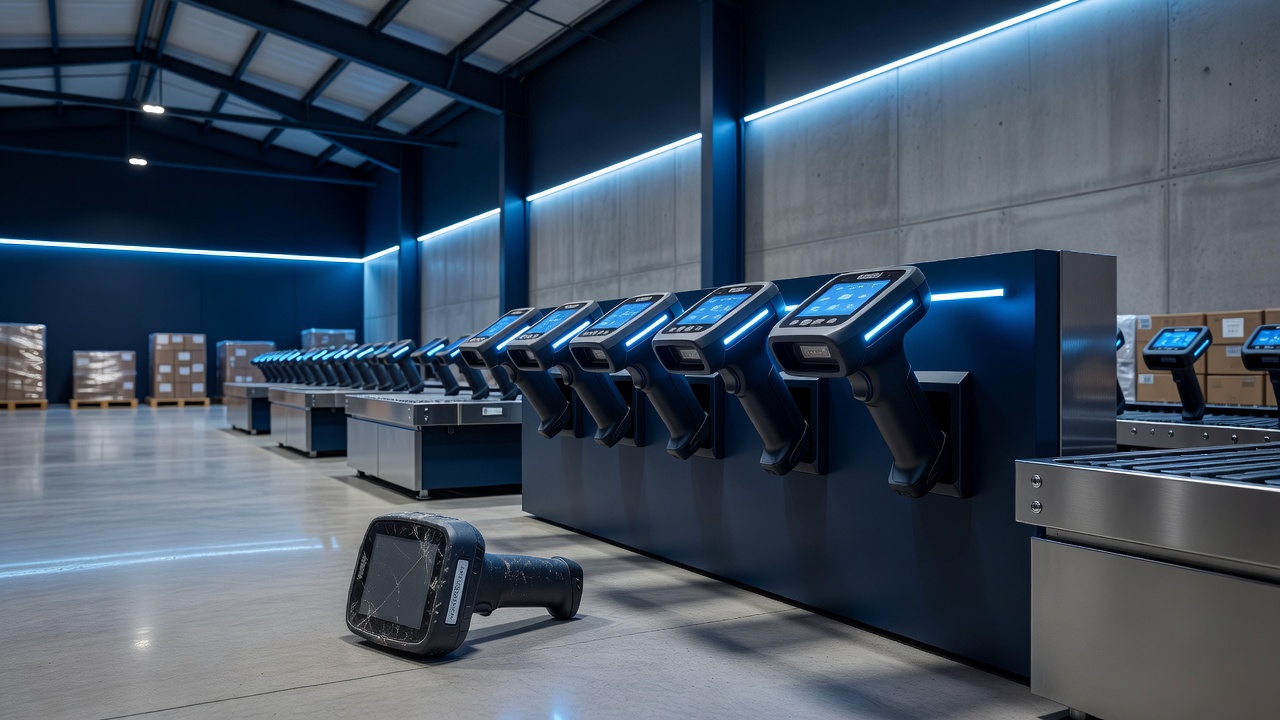
Even with perfect Wi-Fi, handheld scanners fail. Batteries degrade, screens crack, and software updates can introduce bugs. When a device dies, the picker either stops working or switches to a backup unit, which is often slower or less familiar. The goal is to minimize the “time to repair” and maximize the “time to failure.”
The most effective strategy is to shift from reactive repair to proactive lifecycle management. You should not wait for a device to break to replace it. Instead, establish a strict rotation schedule.
- Adopt a 30-Day Rotation Cycle: Rotate a subset of your fleet every 30 days for a full diagnostic check. This includes battery health analysis, screen calibration, and firmware updates.
- Maintain a 10% Spare Pool: Keep at least 10% of your total device count as fully charged, tested spares. If a unit fails, a picker should be able to grab a working device from the charging dock without waiting for IT support.
- Standardize Software Images: Use a centralized management platform to push identical software images to all devices. This ensures that when a device is replaced, the new unit behaves exactly like the old one, eliminating user confusion and training time.
Why Offsite Backups Are Non-Negotiable
The final pillar of operational resilience is data. Your inventory database is the brain of your warehouse. If your local server crashes, or if a ransomware attack encrypts your files, you cannot ship, receive, or count. Local backups are a good start, but they are not enough. If a fire or flood hits your Quincy facility, your local backup drive goes with it.
Offsite backups provide a safety net that ensures business continuity. Cloud-based backup solutions allow you to restore your inventory data from a remote location, even if your physical facility is offline.
- Automate Daily Snapshots: Configure your backup software to create an immutable snapshot of your database every 24 hours. This ensures you always have a clean version of your data from the previous day.
- Test Restoration Quarterly: A backup is only as good as your ability to restore it. Once a quarter, perform a full restoration test in a staging environment. Verify that all SKUs, locations, and transaction histories are intact.
- Encrypt Data in Transit and at Rest: Ensure that your backup provider uses AES-256 encryption. This protects your proprietary inventory data and customer information from being intercepted or accessed by unauthorized parties.
Conclusion
For Quincy warehouse owners, technology is not just a support function; it is the engine of your business. By optimizing your Wi-Fi coverage to eliminate dead zones, implementing proactive maintenance to reduce handheld downtime, and securing your data with robust offsite backups, you create a resilient operation. These three steps require an initial investment, but the return on investment is measured in hours saved, errors reduced, and revenue protected. Do not let invisible technical failures erode your margins. Take control of your infrastructure today.