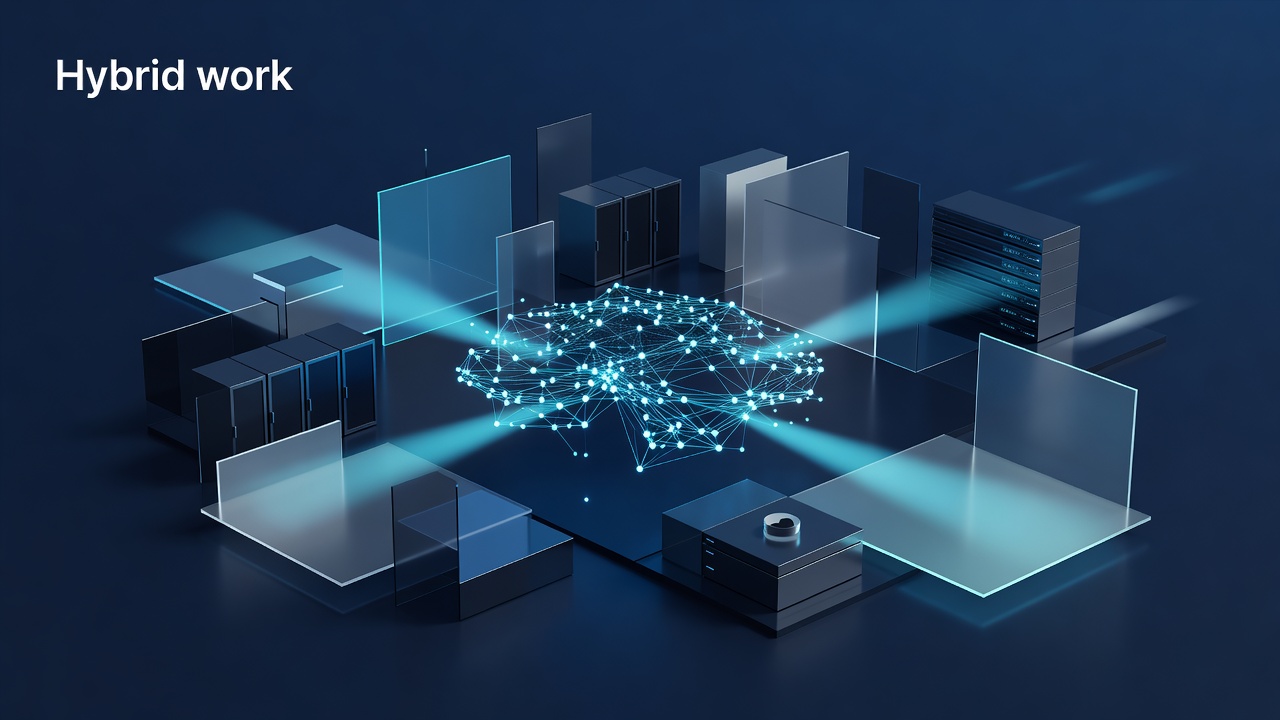
Quincy manufacturing floors and retail shops face a unique challenge: the physical plant is the business. When you allow hybrid work, you are not just letting an employee log in from home; you are extending the reach of a network that was designed to stay inside four walls. The instinct to open up the firewall and let remote users in is dangerous. It creates a wide-open door for threats that can travel from a home Wi-Fi router straight to the CNC machine or the point-of-sale terminal. The solution is not to punch holes in the office network. The solution is to build a secure bridge that keeps the two environments distinct while allowing controlled, encrypted traffic to flow between them.
The Myth of the Direct Connection
Many IT managers in the Quincy area assume that hybrid work requires a direct IP connection between the remote user and the local area network (LAN). This is a legacy mindset. In a traditional setup, a remote employee might need to access a shared drive or a specific application server. The old way was to assign them a static IP or use a port forward. This works, but it is fragile. If the remote user’s home network is compromised, the attacker now has a direct line into your office LAN.
Instead of opening ports, you should treat the remote connection as a guest relationship. The remote user should never have direct access to the office LAN. They should connect to a dedicated, isolated segment of your network, often called a “remote access VLAN” or a “DMZ” (Demilitarized Zone). From this isolated space, they can reach specific applications, but they cannot roam freely across the office network. This containment is the first line of defense.
Implementing a Zero Trust Approach
Zero Trust is not just a buzzword; it is a practical framework for Quincy shops. The core principle is simple: never trust, always verify. Every connection, whether it comes from the main office or from a home office in Wrentham, must be authenticated and authorized before any data is shared.
To implement this without complex infrastructure changes, consider the following steps:
- Use a Modern VPN Client: Move away from legacy PPTP or L2TP protocols. Use WireGuard or OpenVPN with strong encryption. These protocols are lightweight and secure, and they do not require opening inbound ports on your main firewall.
- Deploy a Reverse Proxy: For web-based applications, use a reverse proxy like Nginx or HAProxy. This proxy sits in your DMZ and forwards requests to the internal application server. The remote user talks to the proxy, not the server. This hides the internal IP addresses and allows you to apply security policies at the proxy level.
- Enforce Multi-Factor Authentication (MFA): Passwords are no longer enough. Require MFA for all remote access. This adds a second layer of verification, such as a mobile app code or a hardware token, ensuring that even if a password is stolen, the attacker cannot get in.
Securing the Endpoint
The network is only as strong as the devices connecting to it. A remote employee’s laptop is now a potential entry point. If that laptop is infected with malware, it can spread the infection through the VPN connection. To mitigate this risk, you must manage the endpoints.
- Mobile Device Management (MDM): Use MDM software to enforce security policies on remote devices. This includes requiring a screen lock, enforcing disk encryption, and ensuring that the operating system and antivirus software are up to date.
- Application Whitelisting: Restrict which applications can run on remote devices. This prevents unauthorized software from executing and potentially exfiltrating data.
- Regular Patching: Ensure that all remote devices are patched regularly. Unpatched vulnerabilities are a common entry point for attackers.
Monitoring and Logging
You cannot protect what you do not monitor. When you enable hybrid work, you must increase your visibility into network traffic. Log all remote connections, including the source IP address, the time of connection, and the applications accessed. Use a Security Information and Event Management (SIEM) system to correlate these logs and detect anomalies.
For example, if a remote user logs in at 3 AM from a new IP address, that should trigger an alert. If a remote user accesses a file they have never accessed before, that should also trigger an alert. By monitoring these events, you can detect and respond to threats before they become breaches.
Conclusion
Hybrid work is not a threat to your Quincy shop’s network if you design it correctly. The key is to avoid punching holes in your office network. Instead, build a secure, isolated bridge that allows controlled access. Use a Zero Trust approach, enforce MFA, manage endpoints, and monitor traffic. By taking these steps, you can enable your employees to work from anywhere without compromising the security of your physical plant. The result is a more resilient, secure, and flexible business.