Running a hotel or B&B in Quincy, Massachusetts, means balancing the charm of the historic waterfront with the modern expectations of today’s travelers. Guests no longer just ask for a comfortable bed; they demand reliable, high-speed internet. However, as you scale your property, a critical security question arises: how do you keep your guest Wi-Fi fast and accessible without exposing your Property Management System (PMS) and payment terminals to potential threats? The answer lies in network segmentation. By isolating your guest network from your internal operational systems, you protect sensitive data, ensure smoother operations, and provide a superior guest experience.
The Risks of a Flat Network
Many small lodging properties operate on a “flat” network architecture. In this setup, every device—guest laptops, your front desk computer, the PMS server, and credit card terminals—connects to the same switch and shares the same IP space. While this is simple to set up, it creates a significant security vulnerability. If a guest connects a compromised device, such as a laptop with malware, that device can theoretically “see” and communicate with your internal systems.
This lack of isolation poses several specific risks for Quincy lodging owners:
- Data Interception: Malicious actors on the guest network could potentially sniff traffic, intercepting unencrypted data moving between your devices.
- PMS Vulnerability: If your PMS is accessible over the local network, a breach on the guest side could provide a foothold for attackers to probe for weaknesses in your management software.
- Payment Terminal Exposure: While Point of Sale (POS) terminals are often secure, having them on the same broadcast domain as hundreds of guest devices increases the attack surface.
- Bandwidth Contention: Without proper management, a single guest streaming 4K video can slow down the network, causing lag in your PMS or delays in processing payments.
Implementing Network Segmentation
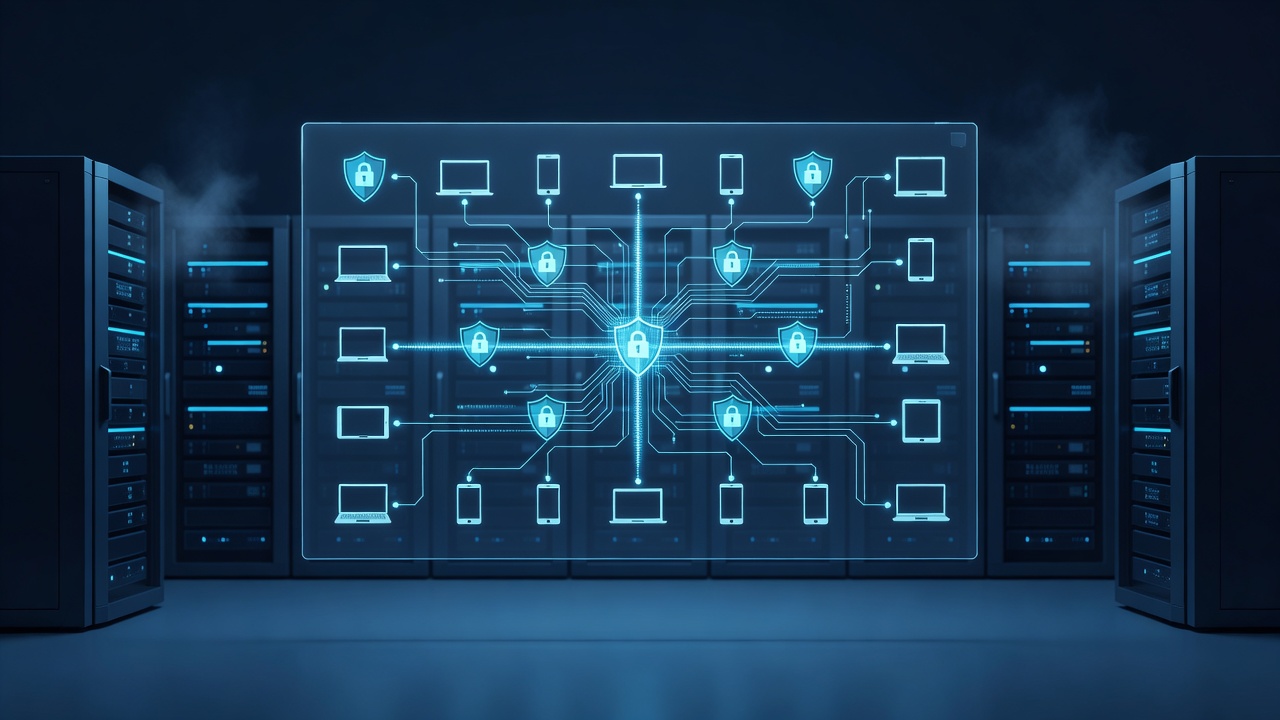
The most effective way to mitigate these risks is to create separate Virtual Local Area Networks (VLANs) or distinct subnets for different types of traffic. Think of this as building digital walls within your property. You are not physically separating the cables, but logically separating the traffic so that devices in one group cannot directly talk to devices in another group without passing through a firewall or router.
Here is how you should structure your network:
- Guest Network (VLAN 10): This is the public-facing network. It should have its own SSID (e.g., “QuincyStay_Guest”). Devices here should only have access to the internet. They should not be able to see or access internal servers.
- Management Network (VLAN 20): This network houses your PMS server, internal workstations, and administrative devices. This network should be isolated from the guest network. Access should be restricted to authorized staff only.
- POS/Payment Network (VLAN 30): If possible, place your payment terminals on their own dedicated segment. This ensures that even if the management network is compromised, the payment processing path remains isolated.
Configuring Your Router and Firewall
Most modern business-grade routers and managed switches support VLANs. If you are using a consumer-grade router, you may need to upgrade to a business-class device that supports these features. Once you have the hardware, the configuration involves the following steps:
- Create VLANs: Define the VLAN IDs for Guest, Management, and POS.
- Assign Ports: Physically connect your PMS server and internal computers to ports assigned to the Management VLAN. Connect your payment terminals to the POS VLAN.
- Configure the Guest SSID: Set up your wireless access points to broadcast the Guest SSID on the Guest VLAN.
- Set Up Firewall Rules: This is the most critical step. You need to configure rules that allow traffic from the Guest VLAN to the Internet but block traffic from the Guest VLAN to the Management and POS VLANs. Conversely, allow the Management VLAN to communicate with the Internet and, if necessary, with the PMS server.
- Enable Inter-VLAN Routing: If your PMS needs to send emails or sync with cloud services, ensure the router can route traffic from the Management VLAN to the Internet. However, keep the Guest VLAN from initiating connections to the Management VLAN.
Enhancing Guest Experience with Captive Portals
While security is paramount, you also want to make the Wi-Fi experience seamless for your guests. A captive portal is a web page that guests see when they first connect to the network. It can be used to:
- Collect Wi-Fi Credentials: Allow guests to enter a password or click a button to gain access.
- Display Welcome Messages: Show a brief welcome note from your property, perhaps highlighting local Quincy attractions like the Quincy Historical Park or the waterfront.
- Offer Social Media Login: Allow guests to log in using their Facebook or Google accounts, which can also help you build a social media following.
Ensure that your captive portal is hosted on a server within the Management VLAN or a dedicated DMZ (Demilitarized Zone) so that it is accessible to guests but protected from direct guest access.
Monitoring and Maintenance
Setting up a segmented network is not a one-time task. Regular maintenance is essential to keep your systems secure and performing well. Consider the following practices:
- Regular Firmware Updates: Keep your router, switches, and access points updated with the latest firmware to patch security vulnerabilities.
- Network Monitoring: Use monitoring tools to track bandwidth usage and identify any unusual traffic patterns. This can help you detect potential intrusions or bandwidth hogs.
- Change Management: Whenever you add new devices or change your PMS setup, update your network configuration accordingly. Ensure that new devices are placed on the correct VLAN.
- Backup Configuration: Regularly back up your router and switch configurations. This allows you to quickly restore your network settings in case of a failure.
Conclusion
For Quincy lodging owners, isolating guest Wi-Fi from your PMS and payment terminals is not just a technical best practice; it is a business necessity. By implementing network segmentation, you create a robust security layer that protects your operations and your guests’ data. This approach ensures that your PMS remains responsive, your payment terminals stay secure, and your guests enjoy a fast, reliable connection. As the hospitality industry continues to evolve, investing in a well-structured network will set your property apart, providing peace of mind for you and a superior experience for your guests. Take the time to assess your current network setup, identify areas for improvement, and implement these segmentation strategies to future-proof your lodging business in Quincy.