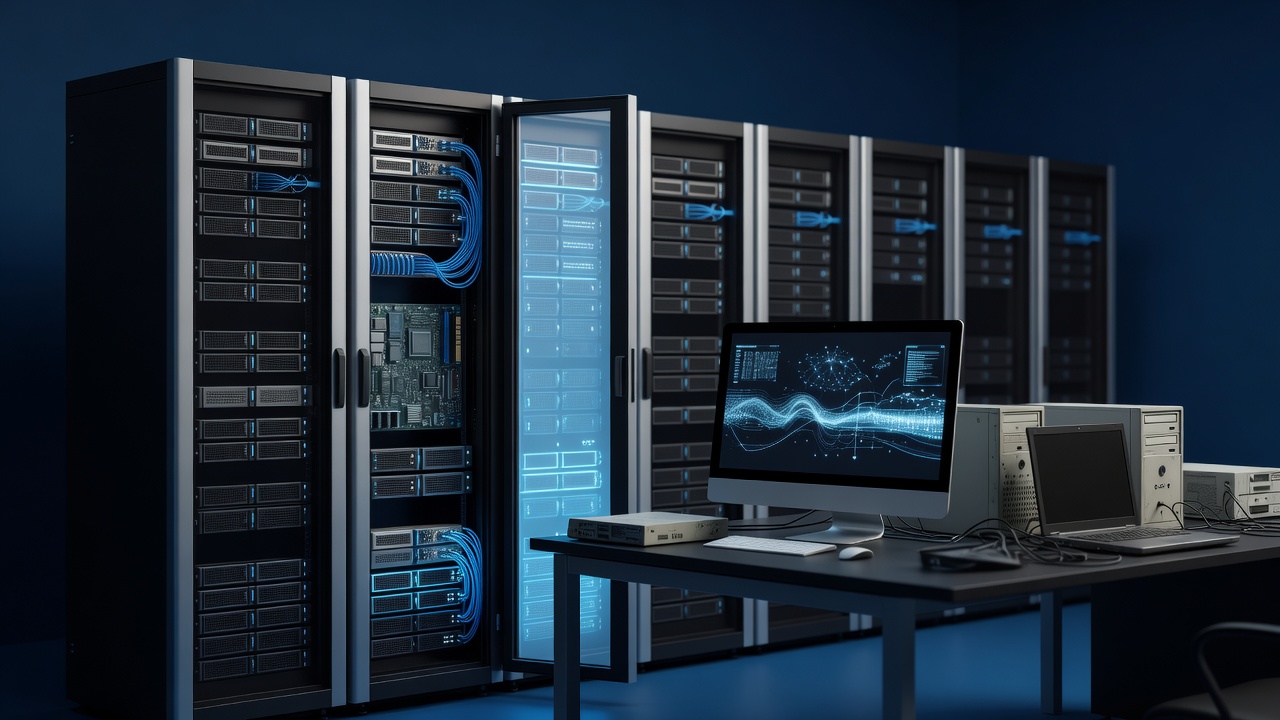
For many small and medium-sized businesses in Keokuk, the desktop computer is the backbone of daily operations. From processing invoices at the front desk to managing inventory in the back office, these machines handle the critical tasks that keep the lights on. However, technology has a shelf life. When that shelf life expires, it rarely announces itself with a polite notification. Instead, it manifests as slow boot times, unexpected crashes, and eventually, a total system failure that halts productivity. Recognizing the signs that your hardware is due for a refresh is not just about keeping up with trends; it is a strategic move to protect your data, maintain employee morale, and control your IT budget.
The Signs Your Hardware Is Fading
The most obvious indicator that a PC is nearing the end of its useful life is performance degradation. If your team is waiting more than thirty seconds for the operating system to load, or if applications like Microsoft Excel or QuickBooks take an unreasonable amount of time to open, the hardware is struggling to keep up with the software demands. This slowness is often caused by the transition from older, slower hard disk drives (HDDs) to the demands of modern operating systems. While adding a solid-state drive (SSD) can provide a temporary boost, it does not fix aging processors or insufficient RAM.
Another critical sign is physical wear and tear. Listen to your machines. A fan that sounds like a jet engine or a hard drive that clicks or grinds is a warning shot. These mechanical failures are often the precursor to data loss. If you are running a business in the Keokuk area, the last thing you need is a server or workstation failure on a Friday afternoon when you are trying to close out the week. Additionally, if your computers are running Windows 7 or Windows 8, you are already in a state of risk. Microsoft has ended support for these versions, meaning no more security patches. Every day you wait is another day your business is exposed to new vulnerabilities.
The Hidden Costs of Keeping Old Machines
Many business owners hesitate to replace computers because they believe the cost of new hardware is high. However, the true cost of keeping aging PCs is often hidden in the background. Consider the time your employees spend troubleshooting. If a computer freezes twice a day, that is two hours of lost productivity per week per employee. Multiply that by your staff size, and the cost of “free” old computers becomes significant.
There is also the risk of emergency repairs. When an old machine fails, you often cannot just swap out a part. You may need to replace the entire unit, and because it is no longer in production, finding compatible parts can be difficult and expensive. Furthermore, older hardware consumes more energy. If you have a fleet of ten or twenty aging desktops, the cumulative increase in your electric bill over several years can be substantial. A modern, energy-efficient PC can reduce power consumption by up to 50% compared to a machine from five or six years ago.
Why a Proactive Refresh Beats a Reactive Replacement
The best time to replace your computers is before they fail. This allows you to plan the transition, ensuring that data is backed up and migrated smoothly. It also allows you to negotiate better pricing with vendors. If you wait until a machine dies, you are in a rush. You are buying at a premium for expedited shipping and potentially paying for emergency labor rates from IT support.
A proactive refresh also gives you the opportunity to standardize your hardware. If you have a mix of five-year-old Dell towers and seven-year-old HP desktops, troubleshooting becomes a nightmare. By refreshing your fleet, you can move to a consistent set of machines that are easier to maintain, update, and support. This consistency is crucial for small businesses that may not have a dedicated IT department.
What to Look for in a New System
When it is time to buy, focus on reliability and longevity. For most small business applications, you do not need a high-end gaming PC. You need a stable, efficient machine. Look for business-grade hardware that has been tested for durability. These machines are designed to run for eight to ten hours a day, five days a week, for several years.
Consider the following specifications for a standard business desktop:
- Processor: An Intel Core i5 or AMD Ryzen 5 processor is the sweet spot for most office tasks. It provides enough power for multitasking without the premium price of an i7 or Ryzen 7.
- Memory: 16GB of RAM is the new standard. While 8GB might work for basic word processing, 16GB ensures that your team can run multiple applications simultaneously without slowdowns.
- Storage: A 512GB or 1TB NVMe SSD is essential. This will make your system feel instant. Avoid traditional spinning hard drives for the primary operating system drive.
- Connectivity: Ensure the machine has enough USB ports and Ethernet connectivity. If your team uses external monitors or printers, make sure the ports are compatible with your existing peripherals.
The Local Advantage
Working with a local IT provider in Keokuk offers distinct advantages over buying off the shelf from a big-box retailer. Local providers understand the specific needs of the businesses in our community. They can assess your current environment, recommend the right hardware, and handle the migration of data and applications. They are also available for support when you need it, not just when you are browsing the website.
A hardware refresh is not just an expense; it is an investment in your business’s stability and growth. By recognizing the signs of aging hardware and planning your replacement proactively, you can avoid the stress and cost of unexpected failures. Your team deserves tools that work for them, not against them. It is time to evaluate your fleet and determine if a refresh is due.