Quincy, Illinois, sits in a unique geographic and climatic pocket. Between the humidity of the Mississippi River valley and the sharp temperature swings of the Midwest, local HVAC businesses face a dual challenge: keeping customers comfortable and keeping their digital operations running. For many Quincy-based heating and cooling companies, the laptop is not just a tool; it is the central nervous system of the business. It holds the dispatch software, the customer database, the inventory lists, and the invoicing systems. When a field technician’s laptop fails, the job stops. When the dispatch center’s machine crashes, the schedule falls apart.
Preventing these disruptions requires a proactive approach to hardware maintenance, software management, and environmental protection. Here is how top-performing Quincy HVAC companies maintain their dispatch and field laptops to ensure zero downtime.
Prioritizing Ruggedized Hardware for Field Technicians
The environment a field technician works in is vastly different from the climate-controlled office where dispatchers sit. Technicians in Quincy often work in crawlspaces, attics, and basements where dust, moisture, and physical hazards are constant threats. Standard consumer laptops are rarely built to withstand this reality.
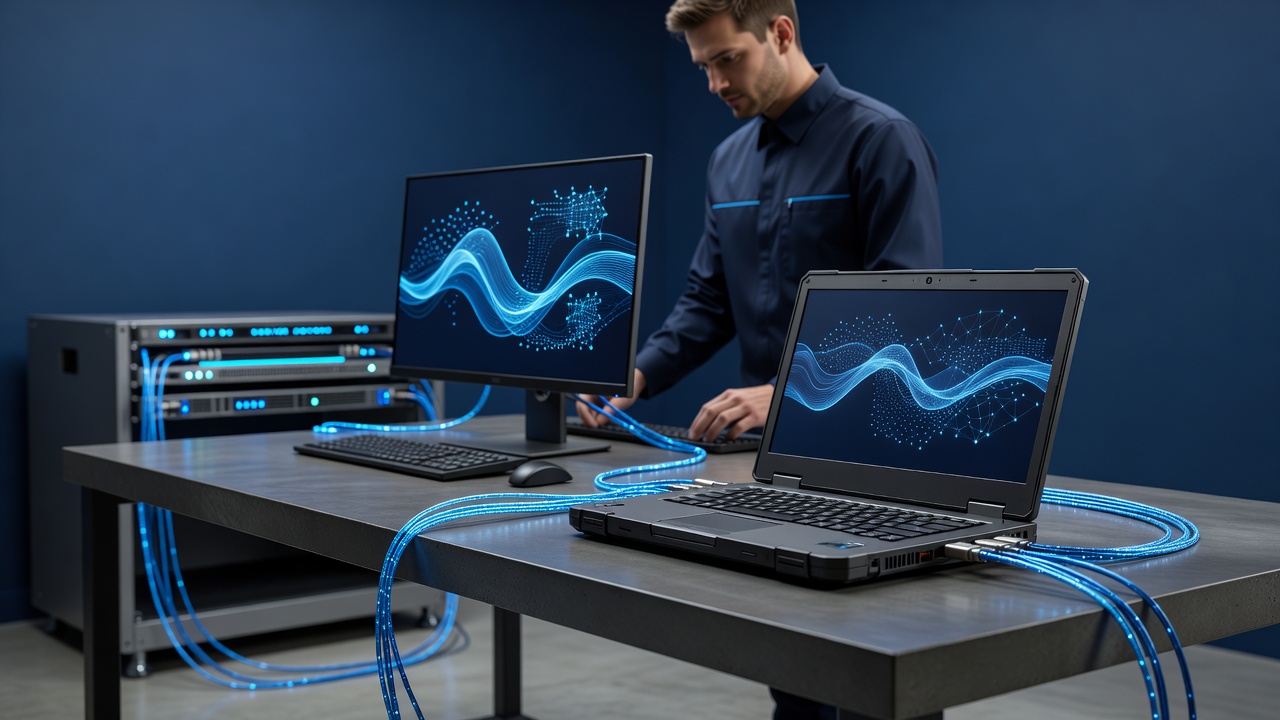
Successful local firms invest in ruggedized or semi-rugged laptops designed for industrial use. These machines offer several critical advantages:
- Shock and Vibration Resistance: Rugged laptops can survive drops from heights of up to four feet onto concrete, a common occurrence when moving between vehicles and job sites.
- Sealed Keyboards and Ports: These designs prevent dust and debris from entering the internal components, which is crucial when working in dusty attic spaces or near construction sites.
- Extended Battery Life: Field technicians are often away from power sources for eight to ten hours. Rugged laptops typically offer longer battery life and support hot-swappable batteries, allowing technicians to swap out a dead battery without losing their work.
- Spill-Proof Design: Coffee spills and condensation are inevitable. Ruggedized keyboards and chassis are designed to handle liquid exposure without short-circuiting.
By choosing the right hardware, Quincy HVAC owners reduce the frequency of hardware failures that lead to lost work hours and frustrated customers.
Implementing Automated Software Updates and Patching
Software issues are the second leading cause of laptop downtime. Outdated operating systems, unpatched security vulnerabilities, and conflicting applications can cause crashes, slow performance, and data loss. For dispatch centers, where multiple users access the same database, a software glitch can freeze the entire scheduling system.
To mitigate this, effective HVAC companies implement automated update policies. This involves configuring laptops to download and install operating system and security patches during off-hours, such as overnight or on weekends. This ensures that machines are always up to date without interrupting business hours.
Furthermore, companies use centralized management tools to push updates to all field laptops simultaneously. This ensures that every technician is running the same version of the dispatch software, preventing compatibility issues that can occur when one technician is on an older version and another is on a newer one. Regular software audits also help identify and remove unused applications that consume resources and slow down performance.
Establishing Robust Backup and Data Recovery Protocols
Data is the lifeblood of an HVAC business. Customer contact information, service history, equipment specifications, and financial records must be protected. A single hard drive failure can result in the loss of years of valuable data if proper backup protocols are not in place.
Quincy HVAC companies protect their data through a multi-layered backup strategy:
- Cloud Backups: Critical data, such as customer databases and invoices, is synced to the cloud in real-time. This ensures that even if a laptop is stolen or destroyed, the data remains accessible from any device with an internet connection.
- Local Backups: For offline work, technicians use portable external drives to back up their work at the end of each day. This provides a local copy of the data in case of internet outages.
- Image Backups: Full system images are created monthly. If a laptop suffers a major hardware failure, it can be restored to its exact previous state, including all software and settings, in a matter of hours rather than days.
Regular testing of these backups is essential. Companies should periodically restore data from backups to ensure that the files are intact and readable.
Managing Thermal Performance in Extreme Weather
Quincy experiences hot, humid summers and cold winters. Both extremes can affect laptop performance. Heat is the primary enemy of electronic components. When laptops are used in hot attics or parked in vehicles on a summer day, internal temperatures can rise, causing the processor to throttle performance to prevent overheating. This results in slow response times and can shorten the lifespan of the hardware.
To combat this, technicians are trained to use laptops in shaded areas whenever possible and to avoid leaving them in direct sunlight. Some companies use cooling pads or stands to improve airflow around the device. In winter, the challenge is cold. Batteries perform poorly in low temperatures, and condensation can form when moving a cold laptop into a warm home. Technicians are advised to let laptops acclimate to room temperature before plugging them in to prevent condensation damage.
Training Staff on Proper Laptop Care
Technology is only as good as the people using it. Even the most rugged laptop can fail if it is mishandled. Quincy HVAC companies invest in regular training sessions for both dispatchers and field technicians.
Training covers basic care practices, such as:
- Proper Carrying: Using padded cases or bags to protect laptops from bumps and drops.
- Cleanliness: Keeping keyboards and screens free of dust and debris using compressed air or microfiber cloths.
- Power Management: Avoiding deep discharges by charging laptops regularly and not letting batteries drop below 20% capacity.
- Incident Reporting: Encouraging staff to report minor issues, such as slow performance or unusual noises, immediately rather than waiting for a complete failure.
By fostering a culture of care, companies extend the life of their hardware and reduce the likelihood of unexpected downtime.
Conclusion
Keeping dispatch and field laptops working is not a one-time task; it is an ongoing process that requires attention to hardware selection, software management, data protection, environmental factors, and staff training. For Quincy HVAC companies, the stakes are high. A reliable laptop ensures that dispatchers can schedule jobs efficiently, technicians can access customer history and inventory, and invoices are generated accurately. By implementing these best practices, local HVAC businesses can minimize downtime, protect their data, and provide a smoother experience for their customers. In a competitive market, operational reliability is a key differentiator, and a well-maintained laptop fleet is a critical component of that reliability.