Multi-factor authentication, or MFA, is no longer just a buzzword for tech giants. It is a practical, low-cost tool that protects small and medium-sized businesses from the most common cyber threats. For companies operating in the Quincy, Hannibal, and Keokuk region, implementing MFA is one of the most effective steps you can take to secure your data, your customers’ information, and your reputation.
Why MFA Matters for Local Businesses
Cybercriminals do not discriminate based on company size. In fact, small businesses are often targeted because they are perceived as having weaker defenses. A single compromised email account can lead to phishing attacks, financial fraud, and data breaches. MFA adds an extra layer of security beyond just a password. Even if a hacker steals your password, they still need the second factor—usually a code sent to your phone or a biometric scan—to access your account.
For a local firm, the cost of a breach is high. It can mean downtime, lost client trust, and expensive recovery efforts. MFA acts as a digital lock on your front door. It is simple to set up and requires minimal training for your staff.
How MFA Works in Plain English
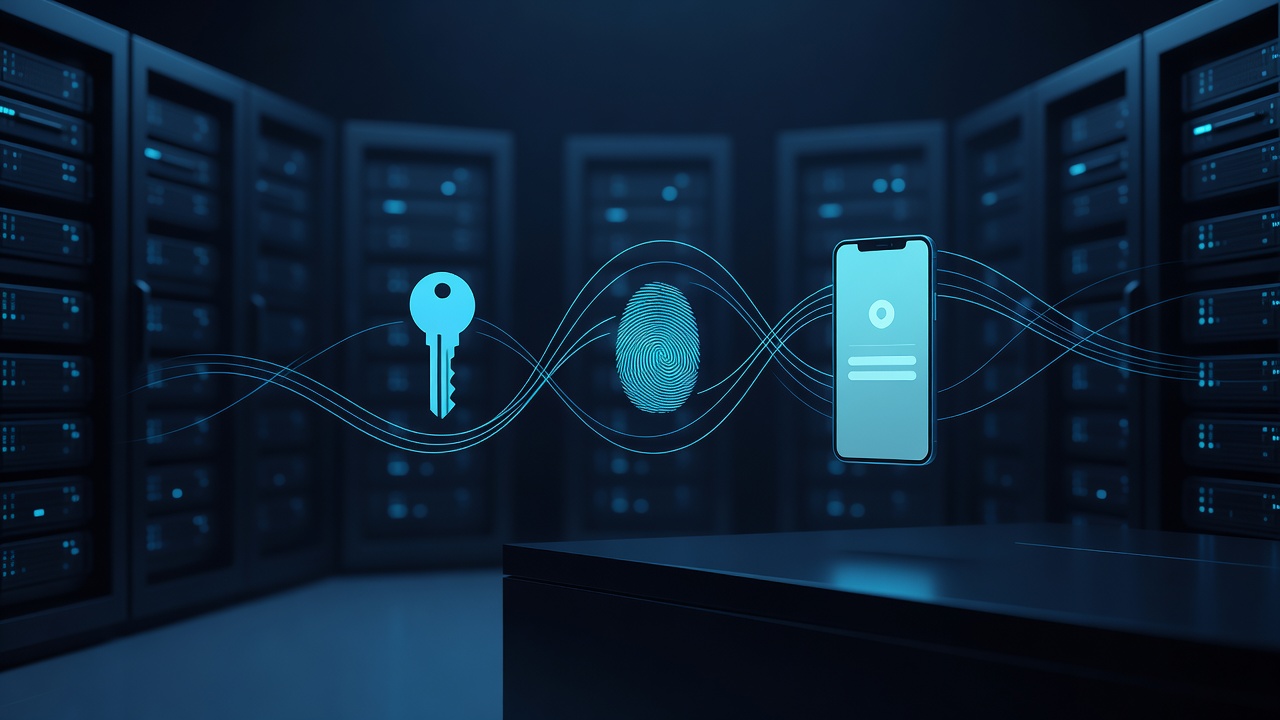
Think of MFA as requiring two keys to open a door. The first key is something you know, like your password. The second key is something you have, such as a code on your phone, or something you are, like your fingerprint.
Most MFA systems use one of the following methods:
- SMS Codes: A text message is sent to your phone with a one-time code.
- Authenticator Apps: An app on your phone generates a code that changes every 30 seconds.
- Hardware Tokens: A physical key fob that generates codes.
- Biometrics: Fingerprint or face recognition on compatible devices.
For most businesses in the region, an authenticator app is the best balance of security and convenience. It does not rely on cell service, which can be spotty in rural areas, and it is more secure than SMS codes.
Steps to Implement MFA in Your Office
You do not need a large IT department to get started. Here is a straightforward plan to roll out MFA across your team.
- Audit Your Accounts: List all the critical accounts your business uses. This includes email, banking, cloud storage, and customer relationship management software.
- Choose a Provider: Most major email and cloud providers, such as Microsoft 365 or Google Workspace, have built-in MFA options. Enable these first.
- Train Your Staff: Schedule a short meeting to show everyone how to set up their authenticator apps. Emphasize that they should not share their codes.
- Set Up Backup Methods: Ensure employees have a backup plan, such as backup codes or a secondary phone, in case they lose their primary device.
- Test the System: Have a few employees log in to verify that the process works smoothly before making it mandatory for everyone.
Common Concerns and How to Address Them
Many business owners worry that MFA will slow down their team. In reality, the extra step takes only a few seconds. The convenience of a quick code entry is far outweighed by the peace of mind it provides.
Another concern is what happens if an employee loses their phone. This is why backup methods are critical. Most systems allow you to generate backup codes that can be used if the primary device is unavailable. Store these codes in a secure, offline location, such as a locked drawer, rather than saving them in a shared digital document.
Finally, some staff may resist the change. Frame MFA as a benefit, not a burden. Explain that it protects their personal data and the company’s assets. When employees understand the “why,” they are more likely to embrace the “how.”
The Local Advantage
Businesses in Quincy, Hannibal, and Keokuk operate in tight-knit communities. Trust is currency. When you tell your clients that you use multi-factor authentication to protect their data, you are signaling that you take their security seriously. It is a small detail that can set you apart from competitors who rely on passwords alone.
Implementing MFA is not a one-time task. It is an ongoing habit. Review your MFA settings regularly and ensure that new hires are enrolled immediately upon joining the team. By taking this simple step, you are building a stronger, more secure foundation for your business.
Do not wait for a breach to happen. Start with one account today, and expand from there. Your future self will thank you for the extra layer of protection.