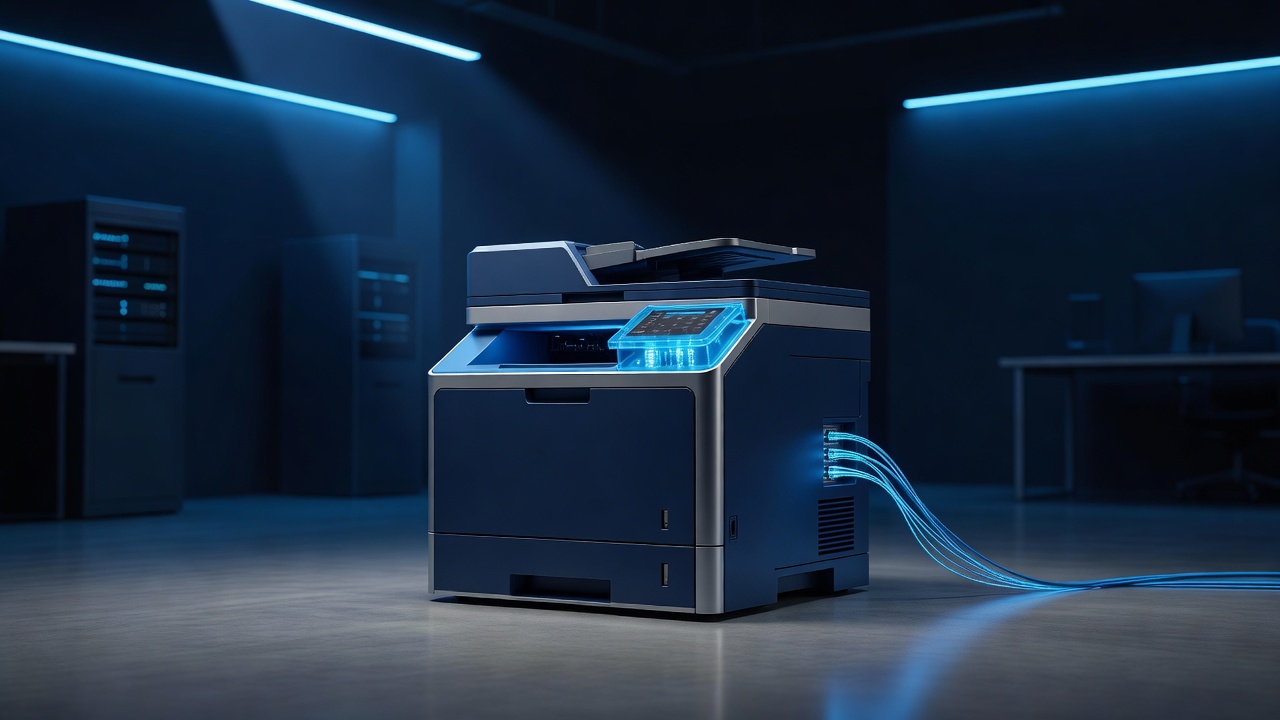
In the heart of Hannibal, Missouri, the river traffic has slowed, but the digital traffic in local offices has not. For many small to mid-sized businesses in the region, the network printer is the most overlooked asset in the IT stack. It sits in the corner, humming quietly, processing invoices, and storing data that it was never designed to keep. While you likely change the passwords on your email and firewall, the printer remains on its default settings, acting as a silent gateway for cyber threats.
The Silent Data Hoarder
Modern network printers are essentially small computers. They run operating systems, have hard drives, and maintain memory buffers. When you send a document to print, the data often lingers in the printer’s RAM or is written to its internal hard drive until the job is complete or the buffer is cleared. If an employee prints a sensitive document, such as a client contract or a payroll sheet, and walks away before the paper comes out, that data is still sitting in the device’s memory.
- RAM Persistence: Data can remain in volatile memory for minutes or even hours after a print job is finished.
- Hard Drive Storage: Many multifunction printers (MFPs) store print jobs on internal hard drives for spooling, meaning deleted files can often be recovered with basic forensic tools.
- Default Credentials: A significant number of printers are left with factory-default usernames and passwords, such as “admin/admin” or “root/root,” which are the first things attackers try.
The Attack Surface You Didn’t Know You Had
Because printers are rarely updated, they often run outdated firmware with known vulnerabilities. Attackers use these devices as a beachhead to enter the local network. Once inside, they can pivot to other, more valuable assets like servers or workstations. The printer becomes a man-in-the-middle, capable of intercepting traffic between your office computers and the internet.
- Outdated Firmware: Manufacturers often stop supporting older printer models, leaving them vulnerable to exploits that have been patched in newer software.
- Open Ports: Printers typically have several open ports for printing, scanning, and web management. If not properly configured, these ports are accessible to anyone on the local network.
- Lack of Encryption: Many older printers do not support encrypted communication protocols, meaning data sent to and from the device travels in plain text.
Why Hannibal Businesses Are at Risk
Local businesses in Hannibal often operate on tighter budgets and may not have a dedicated IT security team. The printer is seen as a utility, like the coffee machine or the HVAC system, rather than a critical network node. This perception leads to a “set it and forget it” mentality. However, the consequences of a breach can be severe, ranging from data theft to ransomware that locks up the entire office network.
- Supply Chain Attacks: Attackers can compromise the printer’s firmware update mechanism, injecting malicious code that spreads to other devices.
- Insider Threats: A departing employee or a curious intern can access the printer’s web interface and download stored documents if the device is not secured.
- Physical Access: Unlike a server in a locked room, printers are often in open areas. Anyone with physical access can plug in a USB drive or connect a laptop directly to the printer’s Ethernet port.
Practical Steps to Secure Your Printer
Securing your office printer does not require a massive budget or a complex overhaul. It requires a shift in mindset and a few specific technical actions. Start by changing all default credentials and enabling strong password policies. Next, ensure that the printer’s firmware is up to date. If the manufacturer no longer supports the model, consider replacing it.
- Change Default Passwords: Use unique, complex passwords for the printer’s admin account and disable the default accounts.
- Enable Encryption: Turn on SSL/TLS for web management and use encrypted print protocols like IPP over TLS.
- Update Firmware: Regularly check for and install firmware updates to patch known vulnerabilities.
- Restrict Access: Place the printer on a separate VLAN (Virtual Local Area Network) to limit its access to the rest of the office network.
- Clear Memory: Enable the “clear memory” feature after each print job to wipe data from the RAM.
The Bottom Line
The printer in your Hannibal office is not just a piece of hardware; it is a node in your digital ecosystem. By treating it with the same level of security as your email server or your firewall, you close a significant gap in your defense strategy. It is an easy fix that prevents a hard lesson. Take the time to audit your devices, update their settings, and secure the device you forgot to protect. Your data, and your business, will thank you.