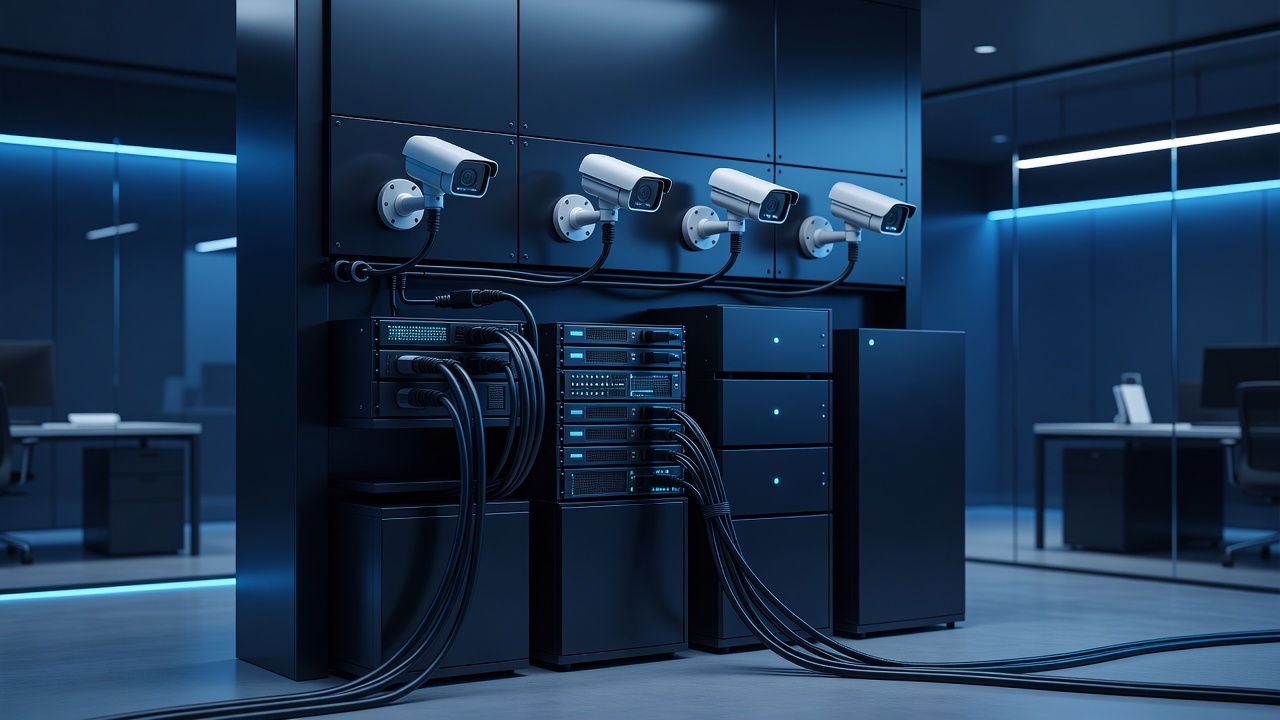
Hannibal businesses often face a unique challenge: balancing the need for robust physical security with the requirement to keep sensitive business data isolated. Many local shops, restaurants, and offices in the river town have installed IP cameras to monitor entrances and stockrooms. However, a common mistake is plugging these devices directly into the same network switch as the point-of-sale systems, email servers, and employee laptops. This creates a single point of failure. If a camera is compromised, the attacker has a foothold inside your primary business network. To protect your operations, you must segregate your surveillance hardware onto its own dedicated Virtual Local Area Network (VLAN).
Why Segmentation Matters for Local Businesses
In the past, security cameras were analog and required no network connection. Today, most systems use IP technology. These devices are essentially small computers with web interfaces, firmware updates, and login credentials. When connected to your main office network, they share the same broadcast domain as your critical business applications.
Consider a scenario where a cybercriminal scans your public IP address. They find an open port for a camera. If that camera is on the same subnet as your accounting software, the attacker can pivot. They might use the camera as a launchpad to send malicious traffic to your internal servers. By isolating the cameras, you limit the blast radius. If the camera network is breached, the attacker is trapped in a small, contained area with no direct access to your financial data or customer records.
The Risks of a Flat Network
Many small businesses in Hannibal operate on a flat network structure. This means every device, from the coffee machine to the CEO’s laptop, sits on the same IP range. This setup is convenient for initial setup but dangerous for long-term security.
- Broadcast Traffic Overload: IP cameras generate a significant amount of broadcast traffic. This can slow down your main network, causing lag in email services or web browsing for employees.
- Firmware Vulnerabilities: Camera manufacturers often release firmware updates to patch security holes. If you neglect these updates, your cameras become easy targets. On a flat network, an unpatched camera is a backdoor to your entire system.
- Bandwidth Consumption: Video streams consume substantial bandwidth. If a camera is streaming high-definition video to the cloud or a local NVR, it can saturate your internet connection, affecting VoIP calls and internet browsing.
How to Implement a Camera VLAN
Creating a separate VLAN for your security cameras is a straightforward process if you have a managed switch. Most modern business-grade switches support VLANs out of the box. You do not need to buy new hardware; you simply need to reconfigure your existing network.
- Identify Your Ports: Determine which physical ports on your switch connect to your IP cameras.
- Create a New VLAN: Log into your switch’s management interface. Create a new VLAN ID, such as VLAN 10, specifically for surveillance.
- Assign Ports: Assign the camera ports to VLAN 10. Ensure that your main office ports remain on the default VLAN, such as VLAN 1.
- Configure the Router: Your router must be aware of the new VLAN. You will need to configure a sub-interface on your router to handle traffic from VLAN 10. This allows the router to route traffic between the camera network and the rest of your system if necessary.
- Set Up Access Control: Use Access Control Lists (ACLs) to restrict traffic. For example, you might allow the NVR (Network Video Recorder) to talk to the cameras, but prevent the cameras from initiating connections to the internet or the main office network.
Benefits of a Dedicated Camera Network
Once your cameras are isolated, you will notice several immediate improvements in your network performance and security posture.
- Improved Performance: By removing camera traffic from the main network, you free up bandwidth for employee productivity tools. Your internet speed will feel more consistent, and video calls will have less latency.
- Enhanced Security: The isolation ensures that a breach in the camera system does not automatically grant access to your business data. You can apply stricter security policies to the camera VLAN, such as disabling unnecessary services or restricting outbound traffic.
- Simplified Management: Managing a separate network for cameras makes it easier to apply firmware updates and monitor device health. You can dedicate specific monitoring tools to the camera VLAN without cluttering your main network monitoring dashboards.
Common Mistakes to Avoid
Even with a VLAN in place, businesses can make errors that undermine the security benefits.
- Leaving Default Credentials: Many cameras ship with default usernames and passwords. Always change these to strong, unique credentials.
- Ignoring Firmware Updates: Regularly check for firmware updates from your camera manufacturer. Apply these updates during off-hours to minimize disruption.
- Over-Permissive ACLs: Do not allow the camera VLAN to communicate with the main office network unless absolutely necessary. Use the principle of least privilege.
- Forgetting the NVR: The Network Video Recorder is part of the camera system. Ensure it is also placed on the camera VLAN and configured with strong security settings.
Conclusion
Keeping your security cameras off the main office network is a critical step in protecting your Hannibal business. By implementing a dedicated VLAN, you isolate potential threats, improve network performance, and simplify management. This proactive approach ensures that your security system protects your business rather than exposing it to risk. Take the time to configure your network properly, and you will enjoy a more secure and efficient operation.