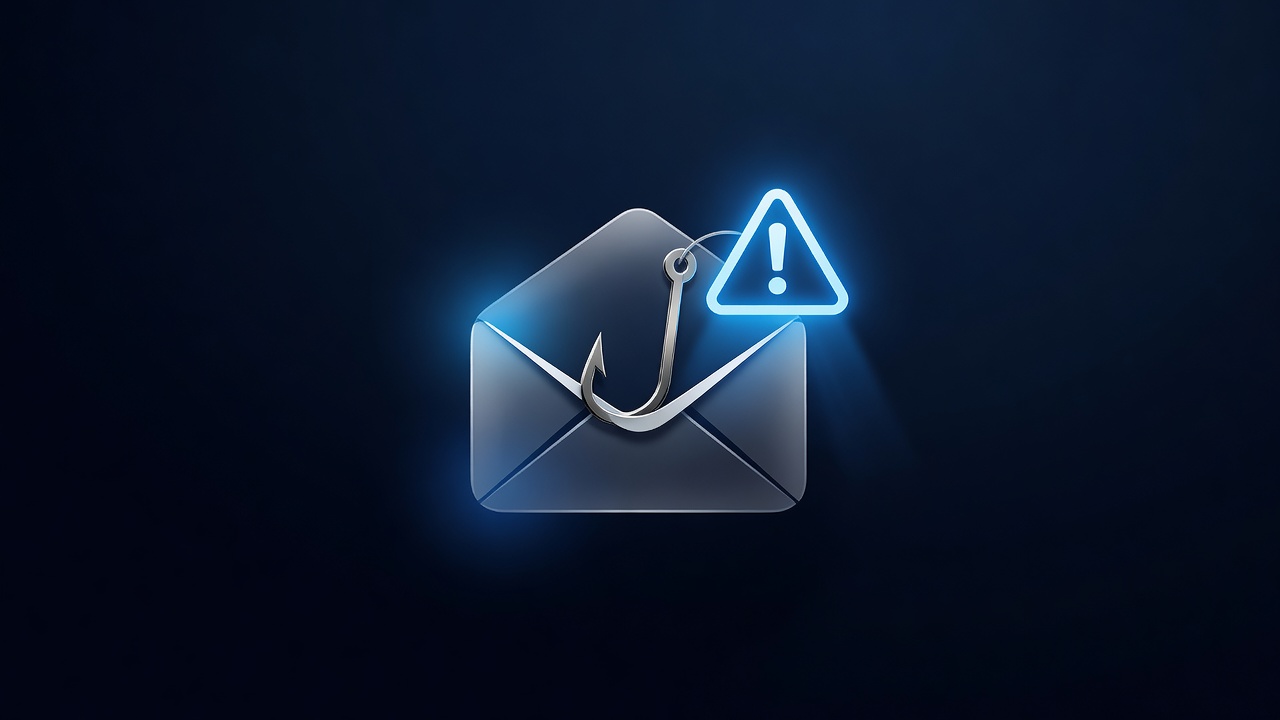
Running a small business in Hannibal means dealing with a constant stream of vendors, suppliers, and service providers. From the coffee roaster on Main Street to the national logistics firm, your inbox is a busy place. Unfortunately, it is also a prime target for cybercriminals. One of the most common and damaging attacks on local businesses is the fake invoice email, often referred to as a “fake invoice” or “invoice fraud” scam. These emails are designed to look legitimate, pressuring you to pay quickly for a service you may have already paid for or never ordered. Understanding how to spot these fakes can save your shop from significant financial loss and operational headaches.
The Anatomy of a Fake Invoice
Most fake invoice emails follow a similar script. The sender claims to be a known vendor, such as a utility company, a software provider, or a local supplier. They attach a PDF invoice that looks professional, complete with your business name, logo, and a recent transaction date. The email usually includes a sense of urgency, stating that payment is due in 24 or 48 hours to avoid late fees or service interruption. The goal is to make you act on emotion rather than logic. If you recognize the vendor, you might assume the email is genuine. However, scammers often use “typosquatting” or similar domain names to trick your eye. For example, instead of `@hannibalcoffee.com`, the email might come from `@hannibalcoffe.com` or `@hannibalcoffee-support.com`.
Red Flags to Watch For
While no single indicator guarantees an email is fake, several red flags should trigger your suspicion. Here is a checklist of common signs to look for:
- Unfamiliar Sender Address: Check the “From” field carefully. Does the domain match the vendor’s official website? If you have never received an email from this specific address before, be cautious.
- Generic Greetings: Legitimate vendors usually know your name. If the email starts with “Dear Customer” or “Hi there,” it may be a mass-sent scam.
- Urgency and Pressure: Phrases like “Immediate action required” or “Final notice” are designed to rush you into paying without verifying the details.
- Attachment vs. Link: Some scams ask you to click a link to view the invoice, while others attach a PDF. Be wary of links that lead to unfamiliar websites. If an attachment is provided, ensure it is a PDF and not an executable file (.exe) or a macro-enabled Word document.
- Payment Details Changes: If the invoice lists a bank account or payment portal that differs from the one you have used in the past, verify it independently. Scammers often change the bank account number to one they control.
- Poor Grammar or Spelling: While not always present, typos and awkward phrasing can indicate a non-native speaker or a hastily created template.
Verification Steps for Hannibal Businesses
Once you spot a potential red flag, do not reply to the email or click any links. Instead, take these steps to verify the invoice:
- Check Your Records: Look at your accounting software or previous invoices from that vendor. Does the amount and date match a recent order?
- Contact the Vendor Directly: Use the phone number or email address you have on file, not the one in the suspicious email. Call their main line and ask if they sent an invoice for that amount.
- Verify Bank Details: If the invoice includes new bank information, ask the vendor to confirm the account number and routing code via a separate channel, such as a phone call.
- Check the Domain: Hover over the sender’s email address to see the full domain. Compare it to the vendor’s official website domain.
Protecting Your Business
Prevention is better than cure. Consider implementing a few simple practices to protect your shop:
- Use a Dedicated Email Account: Create a specific email address for vendor communications. This makes it easier to spot anomalies.
- Train Your Staff: Ensure that anyone who handles payments knows how to spot fake invoices. Share this guide with your team.
- Enable Two-Factor Authentication (2FA): Protect your email and accounting software with 2FA to reduce the risk of unauthorized access.
- Keep a Vendor List: Maintain an up-to-date list of your vendors, including their official contact information and bank details. This makes verification faster and easier.
What to Do If You’ve Been Scammed
If you realize you have paid a fake invoice, act quickly. Contact your bank immediately to see if the payment can be reversed. Notify the vendor so they can investigate and potentially help you recover the funds. Document everything, including the email, invoice, and payment confirmation. This information will be helpful if you need to file a report with the Hannibal Police Department or the FBI’s Internet Crime Complaint Center (IC3).
By staying vigilant and following these steps, you can protect your Hannibal business from one of the most common cyber threats. A few minutes of verification can save you hours of stress and thousands of dollars. Stay safe, double-check your invoices, and keep your business running smoothly.