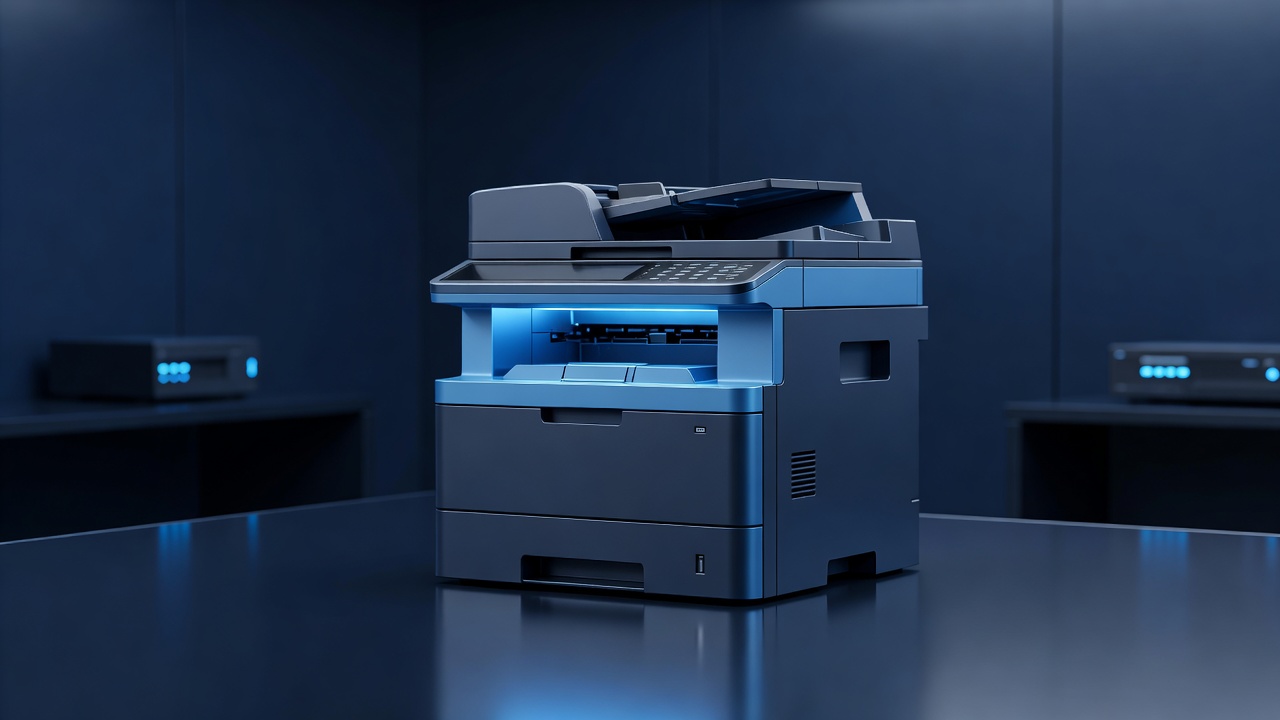
In the heart of the Missouri River valley, Hannibal’s small and medium-sized businesses (SMBs) are the lifeblood of the local economy. From the bustling shops on Main Street to the professional offices in the surrounding industrial parks, these enterprises rely heavily on digital infrastructure to operate. However, one critical component of that infrastructure is often overlooked: the office printer. While many IT teams focus on securing servers, email, and endpoints, networked printers remain a persistent blind spot. For Hannibal SMBs, understanding and mitigating printer security risks is not just a technical necessity; it is a strategic advantage in protecting client data and maintaining operational continuity.
The Hidden Risks of Networked Printers
Modern multifunction printers (MFPs) are essentially small computers with web servers, hard drives, and network interfaces. Unlike a standard desktop PC, a printer is rarely updated, patched, or monitored. This makes it an attractive target for cybercriminals. In a city like Hannibal, where businesses may share local network segments or rely on smaller IT service providers, a compromised printer can serve as a gateway to the rest of the network. Attackers can exploit unpatched firmware vulnerabilities to gain initial access, install malware, or pivot to more valuable assets such as accounting software or customer databases.
Furthermore, physical access to printers poses a unique threat. If an employee or visitor uses a shared printer, they may be able to access the print queue or retrieve documents left in the output tray. More critically, many older or mid-range printers store printed documents on their internal hard drives. If that printer is sold, donated, or recycled without proper data wiping, sensitive information—such as payroll records, contracts, or client lists—can be recovered by the next owner. For SMBs handling personal or financial data, this is a significant liability.
Common Vulnerabilities to Watch For
Several specific vulnerabilities make printers particularly risky. First is the use of default credentials. Many printers ship with generic usernames and passwords, such as “admin/admin” or “root/root.” If these are not changed during installation, anyone with network access can log into the printer’s web interface and modify settings, view logs, or change network configurations.
Second is the lack of encryption. Many printers transmit data over the network in plain text. This means that sensitive documents being sent from a computer to the printer can be intercepted by anyone on the same network segment. Additionally, the printer’s own web interface, used for monitoring paper levels or changing settings, is often accessible via HTTP rather than HTTPS, leaving login credentials and configuration data exposed.
Third is the issue of outdated firmware. Printer manufacturers often release security patches, but these updates are not always automatic. SMBs may not be aware that a critical vulnerability has been patched, leaving their devices exposed to known exploits. In a tight-knit community like Hannibal, where business relationships are strong, a data breach caused by a neglected printer can damage trust and reputation significantly.
Practical Steps to Secure Your Printers
Securing your printers does not require a massive budget or a dedicated security team. With a few disciplined practices, Hannibal SMBs can dramatically reduce their risk.
- Change Default Credentials: Immediately after installation, change the default username and password for the printer’s web interface. Use strong, unique passwords that are stored securely.
- Update Firmware Regularly: Check the manufacturer’s website for firmware updates and apply them promptly. If your printer is older and no longer supported, consider replacing it with a newer model that receives regular security patches.
- Enable Encryption: Configure your printers to use encrypted communication protocols, such as IPP over TLS or SNMPv3, to protect data in transit. Ensure that the printer’s web interface is accessible only via HTTPS.
- Restrict Network Access: Place printers on a separate VLAN (Virtual Local Network) if possible. This limits their ability to communicate with other devices on the network, reducing the risk of lateral movement if they are compromised.
- Implement Pull Printing: Use software that allows users to release print jobs only when they are physically at the printer. This prevents documents from sitting in the output tray unattended and reduces the risk of unauthorized access to the print queue.
- Wipe Data Before Disposal: Before selling or recycling a printer, use the manufacturer’s tools to securely wipe the internal hard drive. Alternatively, consider using printers with solid-state drives (SSDs) that are easier to secure and wipe.
Building a Culture of Security
Technology alone is not enough. Hannibal SMBs must also foster a culture of security awareness among their employees. Staff should be trained to recognize the signs of a compromised printer, such as unexpected print jobs, slow performance, or unusual network activity. They should also be reminded to log out of shared printers and to use pull printing features when available.
Regular audits of your printer fleet are also essential. Review your network diagrams to identify all connected printers, check their firmware versions, and verify that security settings are configured correctly. Consider working with a local IT service provider who specializes in printer security to conduct a comprehensive assessment.
Conclusion
Printer security is a critical but often neglected aspect of SMB cybersecurity. For Hannibal businesses, taking proactive steps to secure their printers can protect sensitive data, reduce the risk of breaches, and maintain the trust of clients and partners. By changing default credentials, updating firmware, enabling encryption, and fostering a culture of security awareness, you can turn your printers from a potential liability into a secure and efficient part of your business infrastructure. In a competitive market, the small details often make the biggest difference. Secure your printers, and you secure your business.