Phishing remains the most common entry point for cyberattacks on small businesses across the Tri-State area. In Keokuk, where many local firms operate with lean IT teams and limited budgets, the cost of a single successful phishing attempt can be devastating. Whether you run a manufacturing shop on the riverfront, a retail store on Main Street, or a professional services office, understanding how to spot these deceptive emails is your first line of defense. This guide breaks down the specific red flags that indicate an email is a phishing attempt and offers practical steps to protect your team.
The Anatomy of a Phishing Email
Phishing emails are designed to look legitimate, often mimicking brands your business trusts. Attackers may pose as your bank, a major software provider, or even a local vendor. The goal is always the same: to trick you into clicking a link, downloading an attachment, or revealing sensitive information.
Common tactics include:
- Urgency and Pressure: Phrases like “Action Required,” “Account Suspended,” or “Deadline Tomorrow” are used to make you act quickly without thinking.
- Generic Greetings: Legitimate businesses usually know your name. Emails starting with “Dear Customer” or “Hello User” are often a sign of a mass-distributed phishing campaign.
- Suspicious Links: Hover over any link before clicking. If the URL looks odd, contains misspellings, or doesn’t match the brand (e.g., `paypa1.com` instead of `paypal.com`), be cautious.
- Unexpected Attachments: If you receive an invoice, contract, or report you weren’t expecting, verify with the sender through a different channel before opening the file.
Why Small Businesses Are Prime Targets
Many cybercriminals target small businesses because they often lack the robust security infrastructure of larger corporations. In the Keokuk area, this means local businesses are frequently overlooked in favor of bigger targets, making them easier prey. Additionally, small teams often handle multiple roles, meaning one employee might manage both finances and IT, creating a single point of failure.
Attackers also exploit the human element. In a close-knit community like Keokuk, trust is high. If a phishing email appears to come from a known local contact, employees may be less likely to question it. This social engineering aspect makes training just as important as technical safeguards.
Practical Steps to Protect Your Team
You don’t need an enterprise-grade security suite to defend against phishing. Consistent habits and simple tools can make a significant difference.
- Train Your Employees Regularly: Conduct quarterly phishing simulations. Send fake phishing emails to your team and track who clicks. Use these results to provide targeted training.
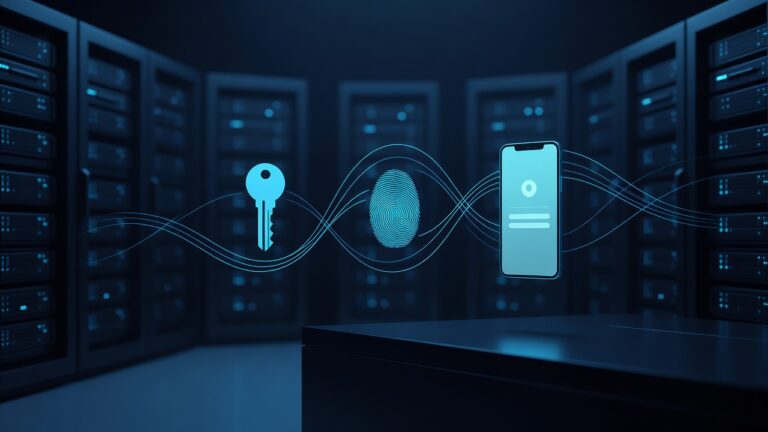
- Implement Multi-Factor Authentication (MFA): MFA adds an extra layer of security, requiring a second form of verification (like a code from your phone) in addition to your password. This can stop many phishing attacks in their tracks.
- Verify Before You Act: If an email asks for urgent action or sensitive information, call the sender using a known phone number. Don’t rely on the contact information in the email itself.
- Keep Software Updated: Ensure your email client, operating system, and antivirus software are up to date. Many phishing attacks exploit known vulnerabilities in outdated software.
- Create a Phishing Response Plan: Decide in advance what to do when an employee suspects a phishing email. Should they forward it to IT? Delete it? Report it to the sender? A clear plan reduces panic and ensures a consistent response.
Real-World Examples from the Tri-State Region
Consider a local Keokuk retailer that received an email from their “bank” asking them to update their payment details due to a “system upgrade.” The email looked authentic, but the link led to a look-alike website. The employee entered their credentials, and within hours, $5,000 was drained from their account.
In another case, a professional services firm in nearby Galva received an email from a “client” requesting an urgent wire transfer. The email came from a slightly altered domain name. Because the firm didn’t verify the request by phone, they sent the funds to an attacker-controlled account.
These examples highlight the importance of vigilance. Phishing attacks are evolving, but the core principles of detection remain the same: look for red flags, verify before acting, and train your team regularly.
Building a Culture of Security
Security isn’t just an IT issue; it’s a company-wide responsibility. Encourage your employees to report suspicious emails without fear of blame. Celebrate when someone catches a phishing attempt. This positive reinforcement builds a culture where security is a shared value.
In Keokuk, where word travels fast and trust is paramount, protecting your business from phishing is about more than just technology. It’s about empowering your team to be your strongest defense. By staying informed, practicing good habits, and maintaining a proactive stance, you can significantly reduce your risk and keep your business secure.
Remember, the best defense against phishing is a well-informed employee. Start today by reviewing your email security practices and scheduling a training session for your team. Your future self will thank you.